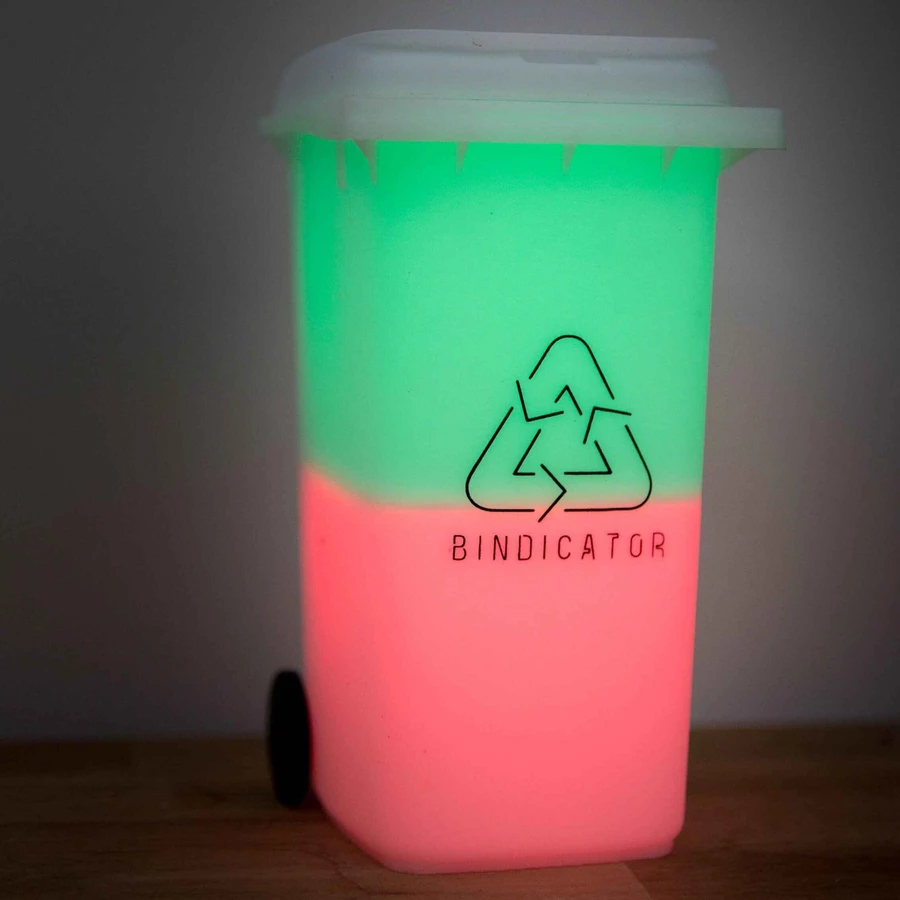
This one has been requested more than anything else we've built: Bindicator now has an official Home Assistant integration. If you run Home Assistant, your Bindicator can join the rest of your smart home, with the bin schedule, lights, and lid taps included. And in keeping with how we like to do things, there's nothing to configure: install the integration and your Bindicator appears on its own.
Everything runs locally over your own Wi-Fi network. No cloud account, no subscription, no data leaving your house. Home Assistant talks directly to the lamp, and updates arrive instantly.
What you get
Your bin schedule, as a real calendar
The integration creates a Bin schedule calendar entity showing every upcoming collection, with each bin by name ("General waste", "Recycling", "FOGO") and its colour. It handles alternating fortnights correctly, so the calendar shows exactly what the lamp itself will do, weeks into the future. Put it on a dashboard with the standard calendar card, or use a community card like TrashCard if you want something fancier.
The calendar entity switches to "on" while a bin is due, which makes automations simple: have your smart speaker announce bin night at dinner time, send a notification to whoever's on bin duty, or flash the hallway lights if the bins are still in by 9pm.
Control the lamp itself
The top and bottom halves of your Bindicator show up as two separate light entities, with full colour and brightness control. They reflect the lamp's live state, and you can drive them from scenes and automations like any other smart light: turn the glow down at midnight, or borrow the lamp as an extra indicator for anything else in your home.
Tap the lid, trigger anything
The touchpad on the lid is exposed as an event entity that distinguishes a press from a hold. You already tap the lid to dismiss a reminder, and now that same tap can do more: mark the bins as done in a chore tracker, switch off the front porch light on your way back in, whatever you like. A hold can do something else entirely.
Diagnostics too
You'll also find Wi-Fi signal strength and firmware version sensors under the device's diagnostics, which is handy if the lamp lives at the far end of the house and you're curious how it's coping.
Before you start
- Home Assistant 2025.1 or newer, with HACS installed.
- Your Bindicator on up-to-date firmware: the integration needs firmware 13 or later on V1 devices and 24 or later on V2. Check for updates in the Bindicator app's settings.
- Home Assistant and the Bindicator on the same Wi-Fi network.
How to install it
The integration is available directly through HACS, so there's no custom repository to add. Find Bindicator in HACS, download it, and HACS will handle future updates.
- Install HACS if you haven't already: the official guide walks you through it. Skip this if HACS is already in your sidebar.
- Find Bindicator. Open HACS and search for Bindicator.
- Download it. Open the Bindicator listing, tap Download, then restart Home Assistant.
- Add the device. After the restart, your Bindicator shows up automatically under Settings → Devices & Services as a discovered device. Tap Add and you're done, because there's nothing to fill in.
If auto-discovery doesn't find it (some mesh and guest networks block it), you can add it manually with the lamp's IP address instead. Settings → Devices & Services → Add integration → Bindicator.
A few things worth knowing
Schedules are still edited in the Bindicator app. Home Assistant sees the schedule and can automate around it, but the app remains the place to set which bins go out when. If you use the app's council lookup, the calendar in Home Assistant reflects it automatically.
It keeps working when the internet doesn't. Because the integration is entirely local, an internet outage changes nothing. Home Assistant and the lamp keep talking over your own network.
It's open source. The integration lives on GitHub under an MIT licence. If you spot a problem or have an idea, issues and pull requests are very welcome.
We'd love to hear what you build with it: what worked, what didn't, and what you'd like the integration to do next. Drop us a line any time.